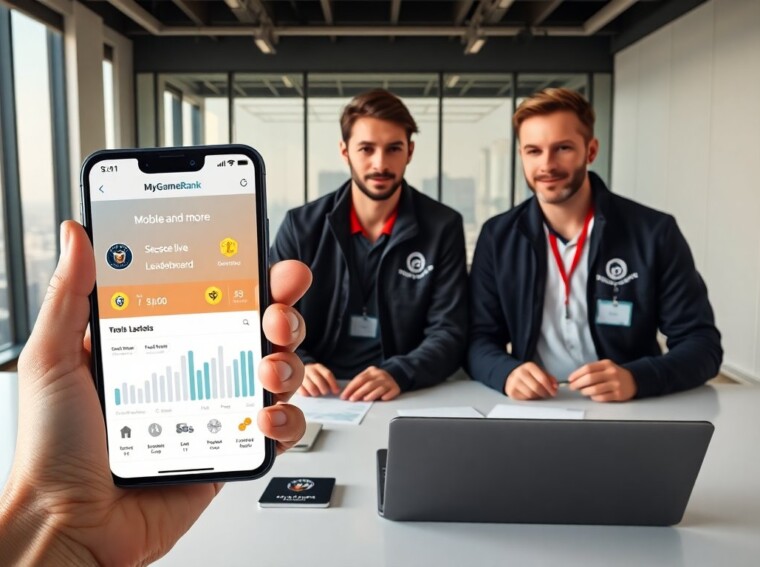
MyGameRank Mobile and more helps players track scores and earn rewards. The app records game sessions and sends performance data to a central profile. Players link mobile games and claim rewards from leagues and sponsors. The system updates leaderboards and shows progress trends. This article explains how MyGameRank Mobile and more works and how players can use it to grow their gaming profile.
Key Takeaways
- MyGameRank Mobile and more tracks mobile game scores in real time, syncing performance data to a central profile to update leaderboards and badges.
- Players can earn points and claim rewards from leagues, sponsors, and achievements through the MyGameRank Mobile platform.
- The app integrates social features allowing players to link accounts, share achievements, and join teams for additional bonuses.
- Setting up MyGameRank Mobile involves signing up, verifying the account, linking mobile games, and syncing score data for accurate tracking.
- Optimizing your MyGameRank profile by enabling notifications, joining challenges, and promptly claiming rewards maximizes your earning potential.
- MyGameRank Mobile prioritizes privacy and security, offering encrypted data storage and customizable profile visibility and sharing controls.
What Is MyGameRank Mobile And How It Works
MyGameRank Mobile and more is a score-tracking service for mobile players. It records match results and syncs session stats to a cloud profile. The app links to mobile game APIs and reads score, time played, and rank changes. The service calculates a composite rating from those metrics. The platform then updates leaderboards and shows badges. Players earn points for matches and achievements. Sponsors and developers can offer rewards that the platform distributes. Players view rewards in the rewards tab and claim earned items or credits.
Key Features: Score Tracking, Rewards, Leaderboards, And Social Integration
MyGameRank Mobile and more tracks scores in real time. It logs match outcomes, streaks, and performance trends. The service rewards players with points, coupons, and digital items. It runs daily and weekly leaderboards that rank players by score and consistency. The platform also links player profiles to social accounts. Players share highlights and achievements to feeds. The app supports team pages and friend lists for direct comparisons. It offers in-app notifications for leaderboard changes and reward drops. Developers can set custom reward rules and grant sponsored challenges.
Step-By-Step Setup: From Sign‑Up To Syncing Mobile Games
A player downloads MyGameRank Mobile and more from an app store. The player opens the app and selects sign-up. The app requests an email or social sign-in. The player verifies the account and completes a short profile. The app prompts the player to link games. The player selects games and grants permission for score access. The app runs a quick sync and confirms data access. The player checks the profile to confirm that recent matches appear. The platform then begins to update leaderboards and reward progress.
Tips For Optimizing Your Profile And Earning More
A player fills the profile with a clear name and avatar. The player links social accounts to expand reach. The player enables notifications for special events and sponsor drops. The player plays during official challenge windows to get bonus points. The player completes daily tasks to collect steady rewards. The player joins teams to earn team-based bonuses. The player preserves match history to show consistent improvement. The player claims small rewards promptly to avoid expiration. The player reviews reward rules before joining sponsored events to avoid surprises.
Privacy, Security, And Data Controls On MyGameRank
MyGameRank Mobile and more stores player data on encrypted servers. It limits direct access to score data and profile details. The platform gives players controls for visibility and data sharing. A player sets profile privacy to public, friends-only, or private. The player can opt out of targeted offers and revoke game access. The service logs access and shows recent activity in an audit view. The platform asks for minimal personal data during sign-up. The company publishes a privacy policy that describes data use and retention in plain language.
Troubleshooting Common Issues And Where To Get Help
A player may see sync delays after linking a game. The app forces a manual sync from the settings page. A player may fix failed logins by resetting the password or using social sign-in. The app may fail to read scores when game permissions are missing. The player checks game settings and reauthorizes access. The platform posts status updates on a help page when broader outages occur. The player opens the in-app support chat for quick fixes. The player submits a ticket with logs and device details for deeper issues. The support team responds with steps and timelines.